
Webflow Images
Find Image Issues That Slow Down Your Webflow Site
Speedflow checks every image on your Webflow site — file size, format, alt text, and loading attributes. Including above-the-fold detection that generic tools miss.
- Free plan available
- No credit card
- Takes ~30 seconds
- Webflow sites audited
- 357Webflow sites audited
- of Webflow sites have uncompressed PNG or JPEG images
- 63%of Webflow sites have uncompressed PNG or JPEG images
- have at least one image missing alt text
- 84%have at least one image missing alt text
- image checks per audit
- 8image checks per audit
What we check
Every Image Issue That Affects Webflow Sites
Most images checker tools aren't built for Webflow. Speedflow checks the signals that actually matter for how Webflow generates HTML.
PNG/JPEG not converted to WebP
HighWebP images are 25–35% smaller than PNG or JPEG at equivalent quality. Webflow supports WebP natively — there's no reason to ship uncompressed formats.
Images too large
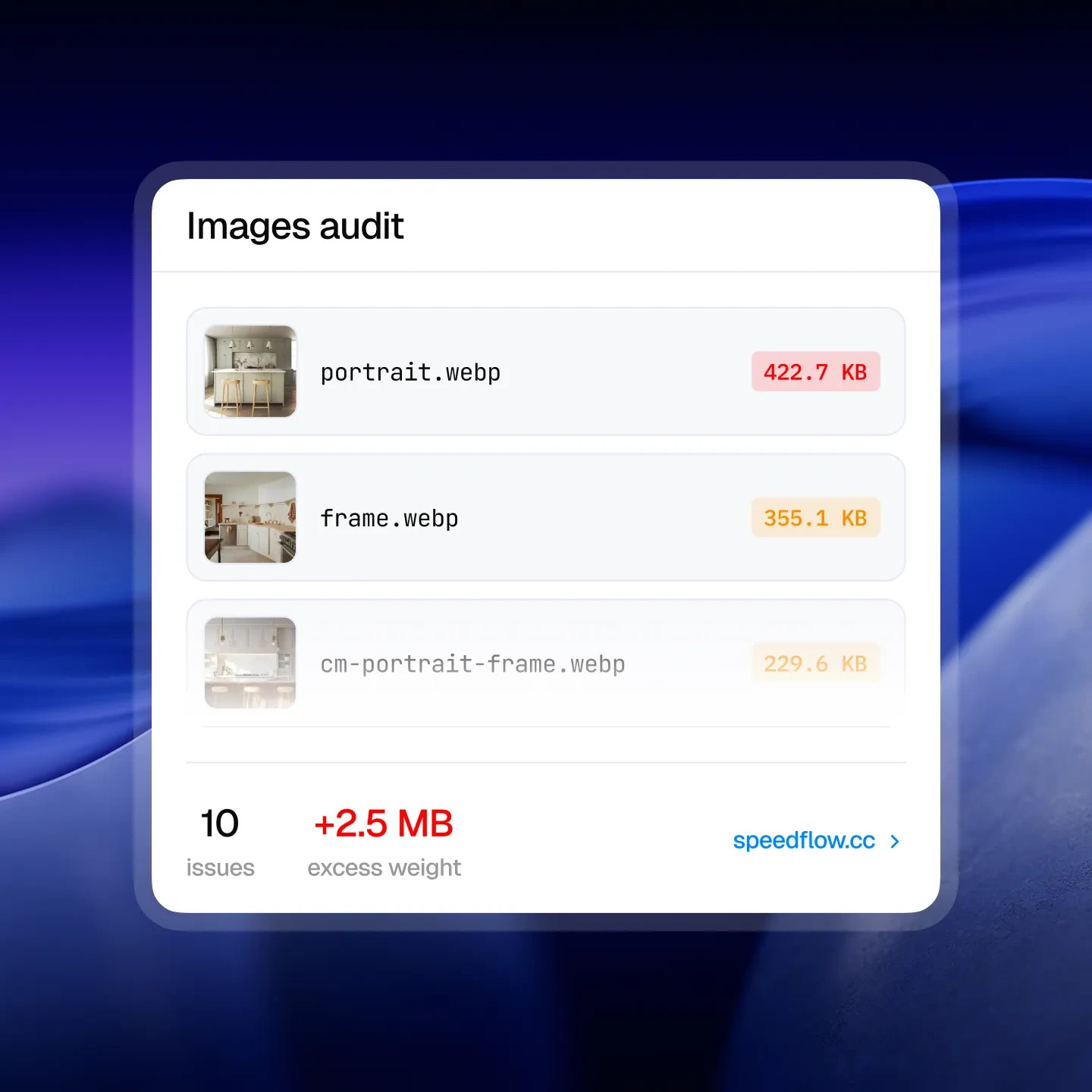
HighImages over 500KB are flagged as critical. Anything over 200KB is flagged as a warning. Large images are the single biggest cause of slow LCP scores on Webflow sites.
Above-fold images missing loading="eager"
HighHero images should load immediately. Without loading="eager", browsers may defer them — directly hurting your LCP score and First Contentful Paint.
Above-fold images missing fetchpriority="high"
HighWithout fetchpriority="high" on hero images, the browser doesn't know to prioritize them. One attribute, measurable LCP improvement.
Below-fold images with loading="eager"
MediumImages outside the viewport shouldn't load immediately. loading="eager" on below-fold images wastes bandwidth and slows initial page load.
Images missing alt text
MediumAlt text is required for accessibility and contributes to image SEO. Empty alt on decorative images should be intentional — not accidental.
Complete checklist
All 8+ Image Checks
Every check Speedflow runs on your Webflow site, grouped by category.
File size & format
- PNG or JPEG not converted to WebP/AVIFHigh
- Images with large file sizes (>500KB)High
- Images with large file sizes (200–500KB)Medium
Loading behavior
- Above-fold images missing loading="eager"High
- Above-fold images missing fetchpriority="high"High
- Below-fold images with loading="eager"Medium
- Below-fold images with fetchpriority="high"Medium
Accessibility
- Images missing alt textMedium
- Alt text too long (125+ chars)Medium
How it works
Images Audit in 30 Seconds, Fixes in Minutes
Paste Your URL
Any Webflow page – published or staging.
Get a full audit in seconds
50+ QA checks: accessibility, SEO, and performance. Prioritized by impact.
Fix with confidence
Follow Designer-specific instructions and launch knowing the site is clean.
What Webflow developers say after testing Speedflow
Real feedback from Webflow developers and agencies using Speedflow.
Finally, the tool that deserves the spotlight among Webflow developers. It's soo effective that we've instantly incorporated it into our QA process. An incredible time and nerve saver!
There's always that moment when a client opens the site on their end and starts poking around. I used to dread it. Since I started using Speedflow before every launch, I actually look forward to that moment – because I know the site is clean.

Sophie R.
Webflow Developer
I used to spend 1-2 hours going through each site manually before launch. With Speedflow I get the same result in under a minute. That time adds up fast when you're managing multiple client projects at once.

Tomas K.
Webflow Developer
QA used to be held together by memory and manual checklists.
Speedflow changed that – I run it at the 80-90% mark on every project, paste the URL, work through the fixes, done. Hours became minutes. One sitemap crawl covers the whole site, and fixes come with your actual data pre-filled and clear step-by-step instructions.
Whenever I flag something, Dmytro has it sorted the same day. That kind of support is rare.
If you're doing Webflow work and you're not using Speedflow, you're making QA harder than it needs to be.
Before sending a site live, I always had that uncomfortable feeling – "did I miss something?"
Speedflow killed that anxiety. I run an audit, fix what it flags, and launch knowing the site is clean. My clients haven't come back with quality complaints since.

Tim S.
Freelance Webflow Developer
QA always felt overwhelming – I knew something was probably off, but I didn't know where to start or what actually mattered. When I tried Speedflow, everything clicked.
The app doesn't just give you a score, it pinpoints the exact element causing the issue, explains why it matters, and guides you on how to fix it. That's how I finally started taking accessibility and other checks seriously, things I had never even considered before. Now auditing a site feels like a clear, manageable process instead of a frustrating guessing game.
I run a small Webflow agency and QA was always the bottleneck before launch. We'd manually go through checklists, run, check accessibility – it took hours. Speedflow replaced most of that in one click.
Klim
CEO & Founder of an Agency


FAQ
Common Questions
How does Speedflow detect which images are above the fold?
Speedflow uses a headless browser to render your page at 1280×800 viewport and measures each image's position relative to the visible area. This is the same approach Google uses for LCP detection.
Does Speedflow optimize images automatically?
No. Speedflow identifies the issues and tells you exactly which images are affected. The fixes happen in Webflow Designer or your asset pipeline — Speedflow shows you where to look.
What's the difference between WebP and AVIF?
Both are modern formats that outperform PNG and JPEG. Speedflow flags PNG and JPEG files — switching to WebP is the practical first step since Webflow's asset manager supports it and browser compatibility is near-universal.
My images are served from a CDN — does that affect the check?
Speedflow checks the actual file size and format regardless of CDN. If the original asset is a 1MB PNG, it's flagged — even if it's cached on a CDN.
Free audit
Run Your First Webflow Images Audit Free
Paste your URL and see exactly what's holding your site back.
- Free plan available
- No credit card
- Takes ~30 seconds