
Webflow Performance
Find What's Slowing Down Your Webflow Site
Speedflow checks fonts, scripts, third-party code, and video embeds — the performance issues that Lighthouse scores but doesn't explain in Webflow terms.
- Free plan available
- No credit card
- Takes ~30 seconds
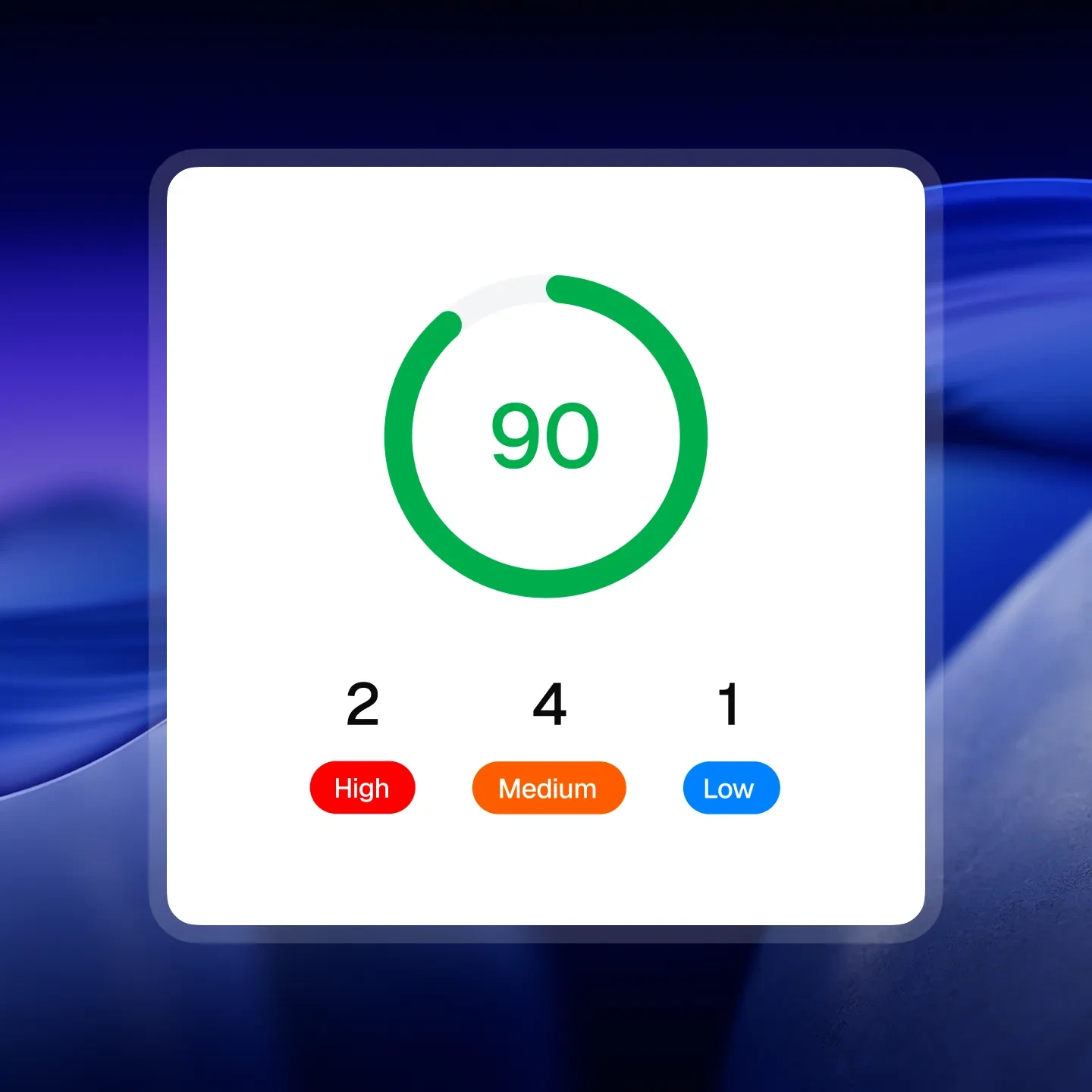
- Webflow sites audited
- 357Webflow sites audited
- had at least one critical issue
- 93%had at least one critical issue
- performance checks per audit
- 10+performance checks per audit
What we check
Every Performance Issue That Affects Webflow Sites
Most performance checker tools aren't built for Webflow. Speedflow checks the signals that actually matter for how Webflow generates HTML.
Google Fonts loaded externally
HighExternal Google Fonts add a render-blocking request on every page load. Self-hosting fonts through Webflow eliminates this latency entirely.
Font preload missing
HighSelf-hosted fonts without <link rel="preload" as="font"> load after the browser parses the stylesheet — causing flash of invisible text (FOIT) on every visit.
YouTube/Vimeo embeds not optimized
HighDefault YouTube and Vimeo iframes load 500KB+ of third-party scripts on page load — even if the video is below the fold. A facade pattern loads the embed only on click.
Too many third-party scripts
HighMore than 5 third-party scripts (analytics, chat, pixels, ads) measurably increase page load time. Speedflow lists every script so you know exactly what's running.
Webflow JS/CSS not minified
HighUnminified Webflow assets are a sign the site was published in preview mode or with incorrect export settings. Easy to fix, immediate impact.
font-display: swap missing
MediumWithout font-display: swap, custom fonts block text rendering until loaded. Adding swap shows fallback text immediately while the font loads.
Complete checklist
All 10+ Performance Checks
Every check Speedflow runs on your Webflow site, grouped by category.
Fonts
- Google Fonts loaded externallyHigh
- Missing preload for critical fontsHigh
- font-display: swap missingMedium
- Missing preconnect for font CDNMedium
Scripts
- Webflow JavaScript not minifiedHigh
- Webflow CSS not minifiedHigh
- Duplicate jQuery detectedHigh
- Multiple versions of same libraryHigh
Third-party scripts
- Too many third-party scripts (5+)High
- Advertisement scripts detectedHigh
- Multiple analytics tools detectedMedium
- Facebook Pixel detectedMedium
- Chat widget detectedMedium
Video
- YouTube/Vimeo embeds not optimizedHigh
- Videos not lazy-loadedMedium
Icons
- Large inline SVG icons (5KB+)Medium
How it works
Performance Audit in 30 Seconds, Fixes in Minutes
Paste Your URL
Any Webflow page – published or staging.
Get a full audit in seconds
50+ QA checks: accessibility, SEO, and performance. Prioritized by impact.
Fix with confidence
Follow Designer-specific instructions and launch knowing the site is clean.
What Webflow developers say after testing Speedflow
Real feedback from Webflow developers and agencies using Speedflow.
Finally, the tool that deserves the spotlight among Webflow developers. It's soo effective that we've instantly incorporated it into our QA process. An incredible time and nerve saver!
There's always that moment when a client opens the site on their end and starts poking around. I used to dread it. Since I started using Speedflow before every launch, I actually look forward to that moment – because I know the site is clean.

Sophie R.
Webflow Developer
I used to spend 1-2 hours going through each site manually before launch. With Speedflow I get the same result in under a minute. That time adds up fast when you're managing multiple client projects at once.

Tomas K.
Webflow Developer
QA used to be held together by memory and manual checklists.
Speedflow changed that – I run it at the 80-90% mark on every project, paste the URL, work through the fixes, done. Hours became minutes. One sitemap crawl covers the whole site, and fixes come with your actual data pre-filled and clear step-by-step instructions.
Whenever I flag something, Dmytro has it sorted the same day. That kind of support is rare.
If you're doing Webflow work and you're not using Speedflow, you're making QA harder than it needs to be.
Before sending a site live, I always had that uncomfortable feeling – "did I miss something?"
Speedflow killed that anxiety. I run an audit, fix what it flags, and launch knowing the site is clean. My clients haven't come back with quality complaints since.

Tim S.
Freelance Webflow Developer
QA always felt overwhelming – I knew something was probably off, but I didn't know where to start or what actually mattered. When I tried Speedflow, everything clicked.
The app doesn't just give you a score, it pinpoints the exact element causing the issue, explains why it matters, and guides you on how to fix it. That's how I finally started taking accessibility and other checks seriously, things I had never even considered before. Now auditing a site feels like a clear, manageable process instead of a frustrating guessing game.
I run a small Webflow agency and QA was always the bottleneck before launch. We'd manually go through checklists, run, check accessibility – it took hours. Speedflow replaced most of that in one click.
Klim
CEO & Founder of an Agency


FAQ
Common Questions
How is this different from running Lighthouse?
Lighthouse gives you a score. Speedflow tells you which specific Webflow asset isn't minified, which exact font is missing preload, and which third-party scripts are running. It's the diagnostic layer under the score.
Does Speedflow measure Core Web Vitals?
Speedflow checks the technical signals that affect Core Web Vitals — font loading, image loading priority, script weight, and embed behavior. For actual CWV measurements (LCP, CLS, INP scores), use Google Search Console or PageSpeed Insights alongside Speedflow.
My site uses GSAP — will it be flagged?
Only if you have multiple versions of GSAP loaded simultaneously, which sometimes happens when a template and a custom script both include it. A single GSAP instance is not flagged.
What counts as "too many" third-party scripts?
Speedflow flags when the total across analytics, marketing, ads, and chat categories exceeds 5. This is a signal to audit what's actually necessary — not all flagged scripts need to be removed.
Free audit
Run Your First Webflow Performance Audit Free
Paste your URL and see exactly what's holding your site back in speed.
- Free plan available
- No credit card
- Takes ~30 seconds